Sign in
Create or access your account so DermaVision can apply your daily scan allowance.
Local AI screening
DermaVision helps you privately screen a skin lesion, understand the result, and decide whether dermatologist review may be appropriate.
Create or access your account so DermaVision can apply your daily scan allowance.
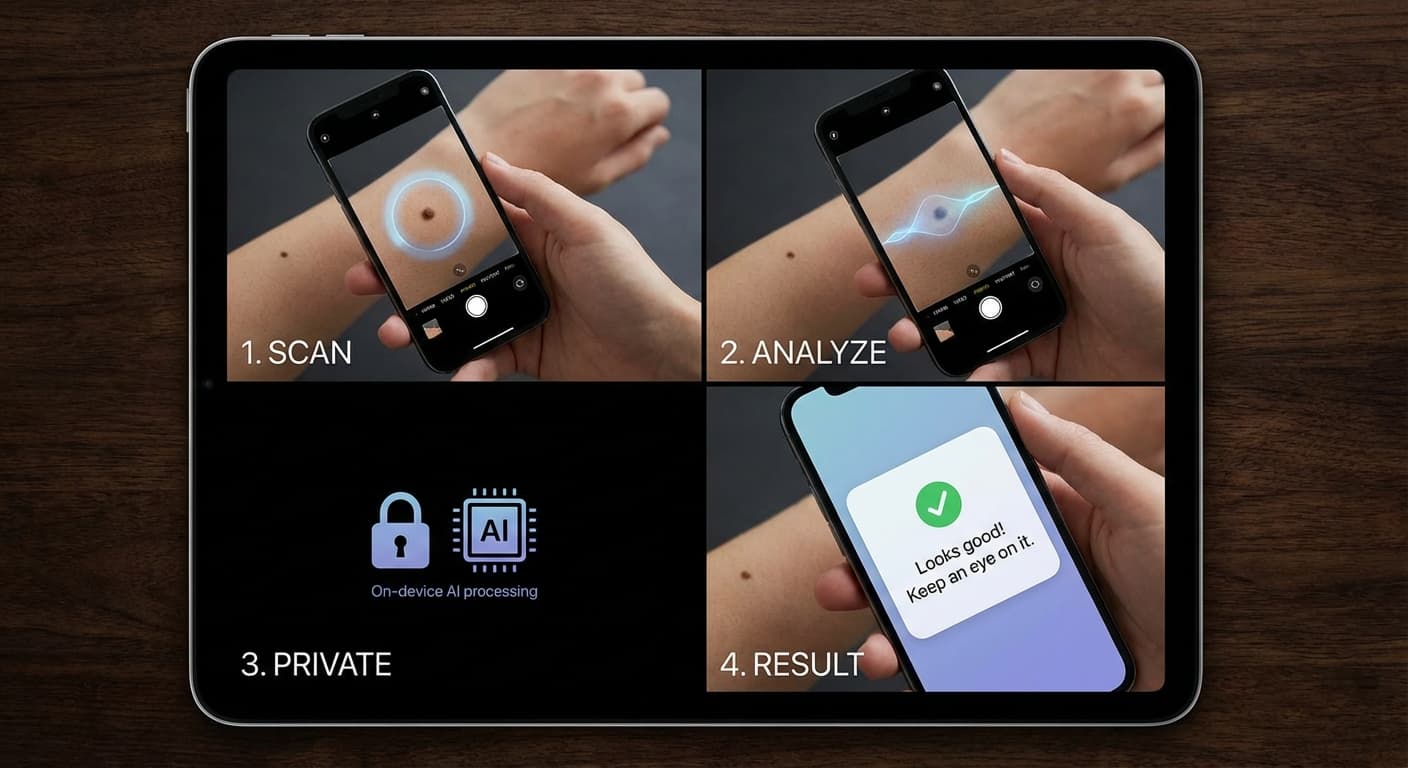
Use good lighting, keep the lesion in focus, and include nearby skin for context.
The AI screening runs locally in your browser. Your image is not uploaded for cloud AI analysis.
See a risk category, pattern match, and practical next steps. It is guidance, not a diagnosis.
The result is designed to be readable, not technical. You get a simple risk category, the pattern the model output most resembles, and suggested next steps.
Risk
A clear concern level
Pattern
What the scan resembles
Next
What to consider doing
DermaVision is not a medical device and does not provide diagnosis or treatment. If something worries you, consider professional medical review.